“Hello. I’m calling about your card.” The caller gives your surname, address and PINFL, and suddenly sounds more convincing. Where did those details come from, and what have they already been used for?
On 29 October, the Interior Ministry announced a review of reports involving SAFE Service, formerly SafeRoad. Early on 1 November, Troll.uz reported an alleged database covering 27 million people, including passport details, addresses and other information. Its authenticity, source and scale had not been officially confirmed when this article was prepared.
Your details are online. What does that change?
Imagine someone with your name, phone number and address. They can send a “delivery” message, call from “the bank” or threaten to visit your home. Add vehicle details and a fake traffic fine becomes more convincing. Matching details can catch off guard even someone who is usually careful.
Passport details and PINFL — your personal identification number — can be used to fill in forms and attempt applications in your name. A photograph can become a fake profile picture or be used in an attempt to pass a face check. Services such as MyID also check for a live person: having a picture does not mean someone has passed that check.
Access to an account or confirmation of a transaction usually takes another step: a password, code, login approval or control of your number or device. That is why a caller may rush you to “cancel a loan”, install a file or forward an SMS. Familiar details become a way to reach your money and messages. Sometimes the victim makes the transfer themselves under pressure.
An unfamiliar login, debit transaction or loan agreement needs an immediate response. If you have spotted one, go straight to the urgent steps.
If this is happening right now
Shared a banking code or noticed money leaving your account? Call your bank using the number on your card or in its app. Report the fraud, ask it to block the card and mobile banking access, and try to stop the transfer.
Installed an app you were sent or allowed someone to control your phone? Disconnect it from the internet. Contact the bank and change passwords from a different, trusted device.
Found an unfamiliar Telegram session? Stay signed in on your own device. Enable or change your two-step verification password, confirm your recovery email, then end unfamiliar sessions in Settings → Devices. If mobile service has also disappeared, use another phone to ask your operator to block your number.
Found a loan you did not take out? Register a dispute with the lender and report the fraud to the police. The full process is in the section on an unfamiliar agreement.
Is there a direct threat to you or your family? Get somewhere safe and call 102. Save the messages once you are safe.
With no immediate danger, you can work through protection calmly. A ban on new loans is a useful place to start.
What you can protect today

Uzbekistan offers a free ban on entering into new credit agreements. Open service No. 1242 on MyGov, sign in and enable the ban. Check that it is active; you can save the certificate with its QR code. No supporting documents are required.
Lenders must take the register entry into account for new credit agreements. The ban does not cancel existing debts or block card spending. A separate paid service, Freeze, restricts access to your credit history. No. 1242 is the service for the free loan ban.
After MyGov, open your email security settings: other accounts often depend on that mailbox for recovery. Give it a separate password and two-step verification. Replace passwords that you use across several accounts in each of those accounts.
Enable a separate two-step verification password in Telegram and confirm the recovery email. In OneID, check login history and devices, and end unfamiliar sessions. Make sure the recovery number is yours and still accessible.
These steps limit future attempts. Reports and login history can show whether someone has already acted.
How to spot someone using your details
You do not need to search dubious databases. Check transactions in your banking app, and logins and devices in Telegram and OneID. An unfamiliar entry is a reason to find out what happened.
A credit report shows loans and credit-history requests. It costs 15,840 sum on MyGov. The law also allows one free report a year directly from a credit bureau; you can use the KATM personal account if you have not used that entitlement this year.
Notifications can reduce the need to keep checking manually. Free service No. 938 notifies you about a credit-history report being obtained; it is not a notice that a loan has been issued. For an SMS specifically about a new loan, service No. 1478 is listed at 4,928 sum.
A “leak checker” can itself be bait. An unknown bot suddenly needs your PINFL, passport and selfie, and you hand over a fresh set of information. A call paired with a link is particularly dangerous: familiar details make the link you are being rushed to open seem trustworthy.
A caller knows your address, PINFL or car

For example, someone introduces themselves as a bank employee, recites your passport details and says a loan is being taken out in your name. They offer to cancel it immediately: transfer your savings to a “safe account” and do not call anyone.
At that point, end the call and contact the bank yourself, using the number on your card or in its app. A number dictated by the caller is no good for checking their story. Use the same approach for calls claiming to be from the police, a payment service or your mobile operator.
A banking SMS code, screen sharing or an app “for protection” can give the caller what they do not yet have. The Central Bank warns against sharing secret codes, including with someone claiming to work for a bank.
The same trick can arrive in a message: a “fine” with your car registration, a parcel problem or “compensation for a leak”. Look for the fine, order or case in the app you normally use, opened independently. That lets you check the familiar details without using the link you were sent.
If you have already followed the link, what matters next is what you did on that page.
You opened a link, shared a code or installed a file
Only opened the page? Close it and check downloads and site permissions. Entered a password? Change it through the real service and end unfamiliar sessions. Replace that password in other accounts where you used it too.
Shared a code? Read the original message: it names the service and the action. A banking code means contacting the bank immediately. A OneID or MyGov code means recovering or changing your login through official OneID, then checking sessions and unfamiliar applications. For a Telegram login code, follow the recovery steps below. If Telegram delivered a code for another service, secure the service named in that message.
An app sent in a chat creates a wider risk. The Central Bank warns that malicious apps can obtain SMS messages and documents. Disconnect the suspect phone from the internet. Contact the bank and secure accounts from another device, or new passwords could be intercepted as well.
Save the conversation, file name and transaction details. Once money and access are protected, remove the unwanted app and the permissions you gave it. Have the phone checked before using it for banking again. If its safety cannot be established, get a specialist check or reset it; preserve evidence and recovery information before a reset.
Removing an app will not end a session already opened on another device. That session needs to be closed separately, especially in Telegram.
Recovering Telegram and your phone number
An unfamiliar Telegram login can start with a request to “vote” or “verify your account”. Someone asks for a code or a QR scan: approving that login creates a new session. Requests for money may then reach your contacts in your name.
If Telegram is still open on your device, stay signed in. Enable or change your two-step verification password and confirm the recovery email. Then end unfamiliar sessions in Settings → Devices. Changing the password does not close an existing intruder’s session, so both actions are needed.
A fresh login may be unable to end other sessions for its first 24 hours. Try using an older device of your own. While the intruder still has access, warn people through another channel to check any requests for money.
If you cannot sign in at all, regain control of your number through your operator first, then use recovery in official Telegram. If the two-step password is unknown, Telegram may offer a reset that loses cloud chat history; read the warning before confirming.
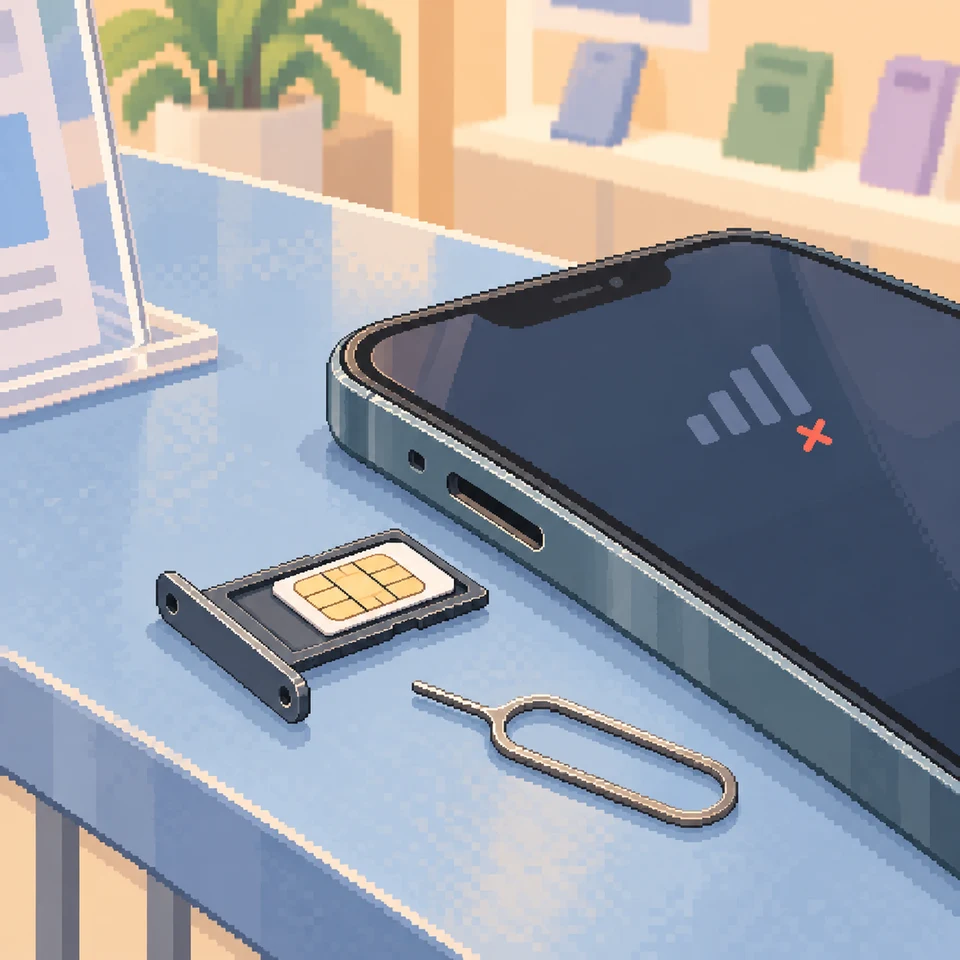
Your number needs a separate check. Loss of service can be an ordinary fault, but new logins, password changes or banking transactions alongside it require immediate action. Ask your operator from another phone to block the number, then restore the SIM or eSIM with your identity document. Tell the bank about the risk of someone receiving your SMS messages at the same time.
Operator contacts: Ucell — +998 93 180-00-00, Beeline — +998 90 185-00-55, Mobiuz — +998 97 130-09-09. UZTELECOM has 1099 for mobile service. If a short number cannot be reached from another phone, use the operator’s official website to find a contact.
Recovered access helps stop further actions. A liability that has already appeared, such as a loan you never took out, needs its own dispute.
An unfamiliar agreement appears in your credit report

The report lists a loan you did not take out. Note the lender, date and amount, contact that lender and register a dispute: you did not apply or enter into the agreement. Explain whether you received any money and what happened to it. Keep the case number and ask for a written reply.
Request the agreement, application, identity-check method, disbursement account and details of devices used to apply. Ask the lender to preserve login, confirmation and transaction records and correct inaccurate credit-history information. Keep original messages, SMS, statements and files alongside copies.
Report the fraud to your local internal affairs department; the police can be reached on 102. Get confirmation that the report was registered. Fraud involving an online loan or microloan after 22 April 2026 falls under the procedure in paragraphs 28–31 of Regulation No. 3759.
Under that procedure, the lender stops accruing interest, penalties and fines, and stops recovery, from the date it receives a resolution by an inquiry officer, investigator or prosecutor, or a court ruling recognising you as a victim. Check two results: you have been formally recognised as a victim, and the lender has received the document. Registering a complaint alone does not trigger that suspension.
If money has already been recovered, repayment requires a court decision or ruling that has entered into force. The refund is due within 15 days of that act entering into force. While the dispute is ongoing, respond to the lender’s demands, but obtain independent legal advice before signing an acknowledgement or restructuring of debt you dispute.
If the matter is not resolved, submit an appeal to the Central Bank. Its helpline is +998 71 200-00-44, weekdays 09:00–18:00, with a break at 13:00–14:00. Threats or publication of your address need a separate response.
Someone publishes your address or threatens you
“We know where you live” is more frightening when a real address appears beside it. If there is a concrete threat to you or your family, get somewhere safe and call 102. Do not wait for the app’s support team.
If there is no immediate danger, save the messages, link, account name and publication time. You will need them for a police report and a request for the platform to remove the information. Keep the original conversation too; screenshots supplement it.
Paying to be “deleted from the database” gives you no control over all the copies. In blackmail, do not send more material or money. Talk about this with people close to you: someone frightened may hide what is happening and try to handle it alone.
What to agree on with children and older relatives
A grandmother gets a call from her “grandson”: something terrible has happened, money is needed now, and Mum must not be told. The avatar is familiar and the voice sounds right. The account could be stolen, and a voice can be cloned from a recording.
Agree in advance: when someone asks for money like this, end the call and call back on the number already saved. If they do not answer, contact another family member. A secret word can be an extra check, but should not be the only one: someone may have read the messages too.
Sit down with an older relative to open MyGov, set the loan ban and save bank and operator contacts. Check their recovery email while you are there. Passwords and codes stay with the account owner; a note beside the phone numbers can simply say, “I’ll call back myself.”

A child needs a different agreement: even if you have clicked, sent a photo, code or money, you can still ask for help. No punishment for asking. If someone is blackmailing them, they do not need to keep talking, pay or send anything else. A trusted adult can help preserve messages and make a complaint or report — the approach UNICEF recommends.
After those first steps, another question usually remains: would it be easier to replace the documents and start again?
Should you change your passport, number and apps?
Passport. If it is lost or stolen, report it and arrange a replacement. A copy appearing online does not automatically require a new document: the old address and photograph will remain, and PINFL stays the same during an ordinary passport replacement. Securing access and checking credit history are more useful first steps.
Phone number. A new one can reduce unwanted calls, but move your bank, OneID, email and messengers before giving up the old one. Otherwise you may lose your own recovery access along with the spam.
The app of the service that leaked information. Removing it from your phone does not remove server records. You can separately ask what the service holds and request correction, blocking or destruction where the law allows — these are data-subject rights. That request cannot recall copies already circulating.
Keep the number you need close by

It is hard to remember instructions during a frightening call. A saved bank contact, an active loan ban and an agreement with your family make it easier to pause when someone is rushing you. Send this article to your family chat and set up the protections you have been putting off.
If you have dealt with a scam like this, tell us in the comments what helped. Leave out document and card numbers and other people’s personal details. Your reading tazik is waiting at the end 🧡
Services, prices and rules checked on 1 November 2026.